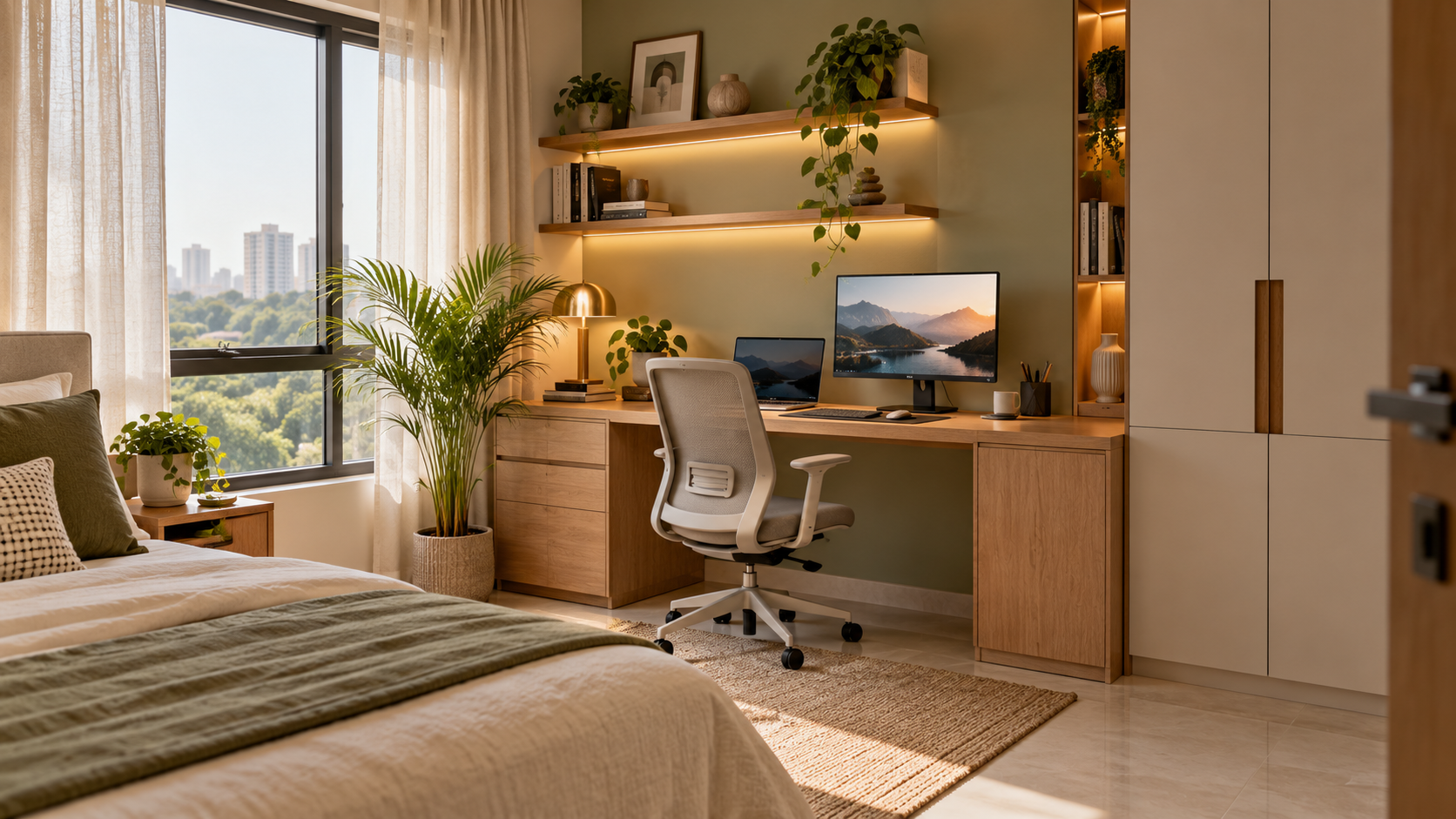
Online Home Office Design: Plan Your Workspace Before Buying
You can design a home office online using photographs, a measured room sketch and a clear description of your work. Start with your routine and equipment, then choose furniture and finishes that support them.
1. Choose a Workable Location
A separate study can offer privacy. A bedroom corner or living-room workstation must also accommodate the room’s other activities.
| Location | What to check |
|---|---|
| Separate study | Shared use, visitors and storage |
| Bedroom corner | Bed access and wardrobe openings |
| Living area | Equipment storage after work |
| Guest bedroom | Desk access when guests stay |
| Dining area | Where devices go at mealtimes |
Describe how the space changes throughout the day. A quiet morning corner may become busy by evening.
2. List Your Tasks and Equipment
Explain whether you use a laptop, several monitors, paper documents, drawing equipment or recording devices. Include dimensions, stand depths and cable connections.
Tell the designer whether the workstation stays set up. For a shared desk, explain who uses it and whether people work simultaneously. A visual divider does not necessarily resolve sound disturbance.
3. Provide Measurements and Photographs
Include room length, width and height; doors and their opening directions; windows and sill heights; beams and columns; sockets; and furniture you will retain.
Photograph every wall and label the images to match your sketch. Use one measurement system and mark approximate dimensions. Custom furniture needs final site measurements before fabrication.
4. Review the Workstation in Use
Check the chair pulled back, drawers open and someone passing behind it. Confirm nearby wardrobe access, the route to the door and frequently used storage.
Mark the proposed desk footprint on the floor and try it with your chair and equipment. A 3D image supports the review, but dimensions establish clearances.
5. Consider Light and Privacy
Share when direct sunlight reaches the desk and where your screen reflects windows or lights. Consider window treatments, task lighting and video-call backgrounds together.
Describe actual noise sources. Decorative shelving or panels should not be assumed to provide sound isolation. Check who may pass behind the chair and whether documents will be visible during calls.
6. Plan Storage, Power and Cables
Separate daily documents from occasional supplies. Base shelf sizes on your collection and identify anything requiring secure storage.
List devices needing power and show existing sockets. Keep plugs and cable connections accessible after installation. A qualified electrician should assess proposed wiring changes on site.
7. Separate Design and Execution Costs
Your complete budget may include the desk, chair, cabinets, lighting, curtains, electrical work, finishes, delivery and assembly. Identify retained items before budgeting for replacements.
Ask for alternatives when the proposal exceeds your limit. Compare the installed cost of a ready-made unit with custom furniture using equivalent specifications.
What Should Your Online Design Plan Include?
| Deliverable | Question to ask |
|---|---|
| Layout | Are furniture and equipment dimensions included? |
| Visualisation | Which part of the room is shown? |
| Product suggestions | Are products identifiable and within budget? |
| Budget guidance | Are figures allowances or supplier quotations? |
| Custom furniture drawings | Included or separately priced? |
| Revisions | How many rounds and what charges apply? |
Check the scope before paying. A visual concept helps communicate appearance; custom fabrication needs relevant drawings and specifications.
Prepare Your Houspire Brief
Describe a typical working day, your equipment, retained pieces and spending limit. Explain shared uses, privacy needs and restrictions on alterations. Check the selected plan’s deliverables and identify any additional documents your contractor needs.
Read about working with your own carpenter before handing over custom furniture work.
Plan Around Your Working Day
Resolve layout, equipment, storage and connections before purchasing. Explore Houspire’s plans to prepare a home office around your requirements.
Frequently Asked Questions
Can I plan a small home office online?
Yes. Provide measurements and details of surrounding furniture so the proposal can account for movement and shared uses.
Do I need a separate room?
No. A workstation can share another room when both activities remain practical.
Can I keep my desk and chair?
Yes. Include dimensions, photographs and details of anything uncomfortable or impractical in the current arrangement.
Are photographs enough?
Photographs explain appearance and visible conditions. Measurements are also needed to assess fit.
Does the design include electrical installation?
Confirm the package scope. Proposed electrical positions still need on-site assessment and installation by an appropriate professional.