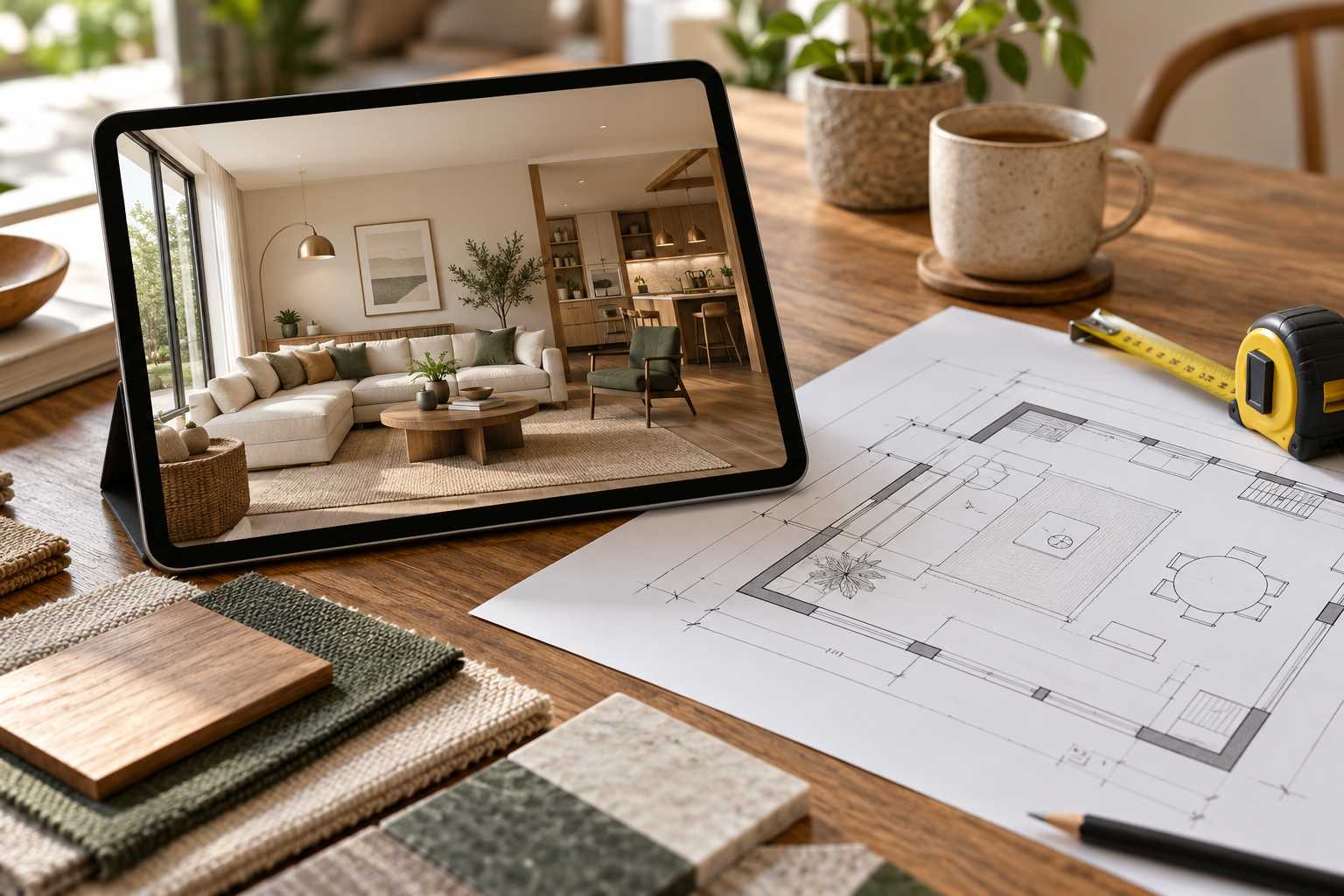
A realistic 3D room can make a proposal feel resolved before its practical details have been checked. Use the image to discuss appearance, then use measurements and specifications to establish how the proposal will work.
Review the design in the same order each time: actual room, everyday activities, furniture operation, materials and cost. This makes feedback more useful than a general request to make the room look better.
Compare the proposal with the original room
Place photographs and the measured plan beside the render. Check doors, windows, columns, beams and ceiling features. Identify retained furniture explicitly. If an opening has moved or disappeared, ask whether this is a drawing error or an intended construction change.
Check furniture when it is being used
A neat view with every door closed can conceal conflicts. Test chair pull-out, wardrobe shutters, drawers, bed storage and balcony access on the measured layout. Confirm dimensions of the actual products rather than using a similar-looking reference.
| Review item | Use the render for | Confirm separately |
|---|---|---|
| Furniture | Appearance and relationships | Actual dimensions and access |
| Cabinetry | Finish and shutter composition | Interiors and construction details |
| Lighting | Visual mood | Product specification and wiring |
| Budget | Identifying proposed features | Itemised supplier quotations |
Look inside the storage proposal
Closed cabinet fronts do not explain hanging lengths, shelf arrangements or appliance storage. List what each unit needs to contain and ask which internal drawings are included. Review internal hardware alongside the exterior finish so later substitutions do not change usability.
Review light and finishes together
Check the proposed lighting against reading, working and evening use. Identify any lights or fans that need new service positions. Compare physical finish samples under room lighting; screen colour and simulated sunlight cannot guarantee the installed appearance.
Identify products and custom work
Ask whether each major item is an available product, a custom unit or an illustration. Record dimensions, materials and hardware for anything that will be fabricated. Obtain the relevant technical documents before authorising production.
Connect approval to a priced scope
Translate the approved image into a purchase and work list. Include preparation, wiring, installation and delivery, as well as visible furniture. Check the cost-estimate guide when separating confirmed quotations from allowances.
Send one clear feedback list
Describe the wall or item, the problem and the outcome you need. For example: “Keep the existing desk; the proposed cupboard blocks its chair space.” Group household comments and record the approved version so suppliers work from consistent information.
Frequently asked questions
Does approving a 3D view approve construction details?
Only if those details have also been supplied and expressly agreed. A visual approval should not be assumed to cover undocumented specifications.
Is one view enough?
It depends on the room and the decision. Request another angle when important areas are hidden, and confirm its price first.
Can colours be matched exactly from the image?
Use physical samples and agreed specifications. The screen, lighting and product finish can change the perceived colour.
Plan the room before you buy
Make approval a documented decision about an understood proposal, supported by the information your contractor needs. Explore Houspire’s room-by-room design plans to review a proposed appearance before arranging execution with your chosen contractor. Confirm the views, supporting documents and revision terms included in your order.