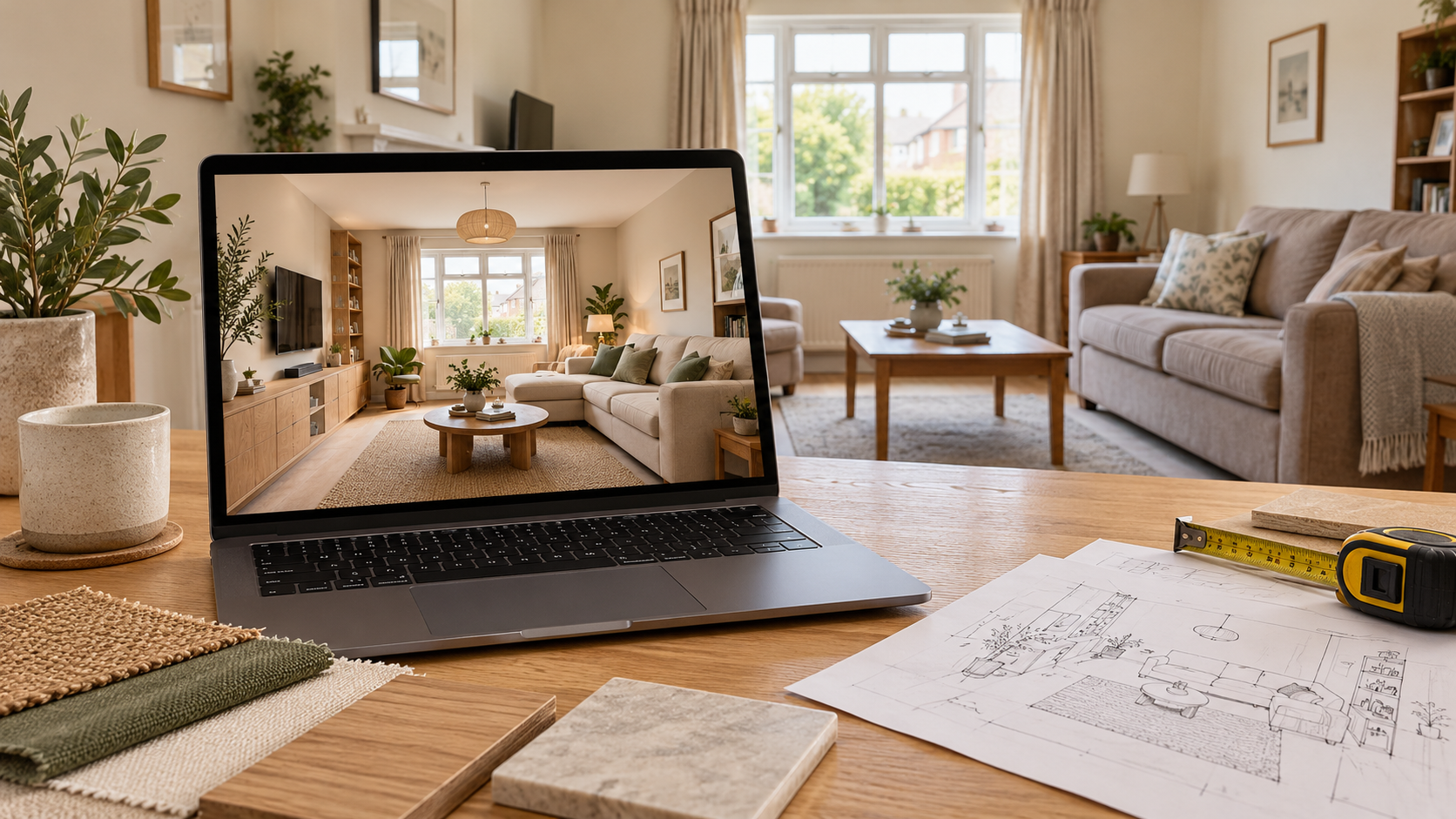
Home Design AI: How to Visualise Your Home Before Renovating
Renovating a home involves decisions that can be difficult to judge from individual samples.
A wall colour may look appealing on a small card, but how will it work beside your flooring? Will a new wardrobe coordinate with the bed you want to retain? Could a different sofa arrangement make the living room easier to use?
Home design AI can help you explore these choices through visual proposals before purchasing materials or starting work.
This guide explains how to use room visualisations, what information to provide and how to turn an appealing image into a practical renovation brief.
What Is Home Design AI?
Home design AI uses artificial intelligence to help generate or develop ideas for interior spaces.
Depending on the tool or service, you may provide:
- Room photographs
- A floor plan
- Measurements
- A written description of your requirements
The output can suggest furniture, colours, finishes and lighting.
Some tools generate images automatically. Other services involve a designer who interprets the brief and reviews the proposal.
Check whether you are receiving visual inspiration, a personalised room design or a package with measured layouts and technical drawings.
How Can 3D Room Views Help Before Renovation?
A room visualisation brings several choices into one image, making their relationship easier to assess.
| Renovation decision | What a visual proposal can help you assess |
|---|---|
| Furniture arrangement | How major pieces relate to one another |
| Colour palette | Whether walls, furniture and flooring look coordinated |
| Storage design | The appearance and position of proposed cabinets |
| Existing furniture | How retained pieces could fit into a new scheme |
| Wall treatments | Whether panelling, wallpaper or paint suits the room |
| Decorative lighting | How different fixture styles relate to the interior |
These images help establish a direction.
Dimensions, technical performance and construction details still require separate checks.
Is an AI Room Image an Accurate 3D Model?
Not necessarily. A realistic-looking image does not automatically represent a measured model of your home.
An AI-generated image can look three-dimensional while making furniture smaller, walls longer or ceilings higher than they are.
There is a difference between how realistic an image looks and how accurately it represents your room.
Ask:
- How are room measurements used?
- Is the proposal checked against the existing layout?
- Are fixed features preserved?
- Is a measured layout included?
If a tool accepts only a photograph, treat the result as a concept until its proportions are verified.
What Should You Share Before the Design Begins?
Accurate inputs help establish the room, the features you want to retain and the decisions you need help making.
1. Photographs of the Existing Space
Take clear photographs showing each wall and the corners between them.
Include:
- Doors and windows
- Beams and columns
- Electrical points
- Fixed furniture
- Other permanent features
Avoid showing only the part of the room you want to improve.
2. Measurements and a Floor Plan
Provide room dimensions and the positions of important openings.
Measure furniture you intend to retain, including its external frame, handles and other projecting details.
Photographs help communicate appearance, while measurements help establish scale.
3. Your Renovation Priorities
Explain what currently feels inconvenient.
For example, “the dining chairs block the balcony route” gives a clearer starting point than “make the room spacious.”
Identify whether your priority is:
- More useful storage
- Additional seating
- A workspace
- Easier movement
- A visual refresh
4. A Complete Spending Limit
State what your budget needs to cover.
Furniture, labour, appliances, lighting, curtains and repairs may all need separate allowances.
Review the proposal against the complete project budget rather than the design fee alone.
How Do You Preserve Your Existing Room Structure?
List the elements that must remain unchanged before generating or commissioning the design.
These may include:
- Doors and windows
- Columns and beams
- Ceiling height
- Flooring
- Service locations
Then compare the proposed image with the original room.
| Check | What to confirm |
|---|---|
| Openings | Doors and windows remain in their actual positions |
| Proportions | The room has not become wider, longer or taller |
| Access | Furniture does not obstruct doors or routes |
| Existing items | Retained furniture is represented appropriately |
| Fixed features | Beams, columns and recesses have not disappeared |
If the proposal depends on changing a fixed element, resolve that explicitly before approving the design.
How Should You Review Each Room?
Review the proposal against the way you use the space, rather than judging appearance alone.
Living Room
Check seating capacity, the route through the room and the relationship between the sofa, television and coffee table.
Make sure decorative furniture does not occupy space needed for everyday movement.
Bedroom
Review the bed alongside wardrobe shutters, drawers and the bedroom door.
If the room includes a desk, consider the chair in its pulled-out position.
Check that bedside storage and switches remain accessible.
Kitchen
Compare the proposal with actual appliance sizes and service locations.
Cabinet appearance is only part of the decision.
Confirm drawer access, appliance-door movement and the technical details required for installation.
Bathroom
Review fixtures against measured dimensions and existing plumbing arrangements.
A visual proposal does not establish drainage, waterproofing or installation details.
Coordinate these with the appropriate professionals.
Can You Keep Existing Furniture and Finishes?
Yes. A renovation does not need to replace every element.
Identify usable furniture, flooring and fittings before developing the new scheme.
Provide photographs and measurements so they can be included in the brief.
Review whether changes to paint, lighting, curtains or selected furniture could meet your goals without extensive replacement.
Avoid approving an image that removes items you specifically wanted to retain.
How Can Home Design AI Help You Manage Costs?
Visual planning can help you identify choices you do not want before purchasing them.
You may decide that:
- A painted wall is sufficient.
- A smaller sofa is more suitable.
- An additional cabinet is unnecessary.
- Existing furniture can work with new finishes.
Once the direction is agreed, turn it into a defined list of work and request itemised quotations.
A generated image is not a cost estimate.
Custom furniture, specialist finishes and concealed lighting can affect the budget even when the overall appearance seems simple.
What Do You Need Before Starting Execution?
Use the visualisation as part of the handover, together with the information required for the work.
This may include:
- Verified dimensions
- Selected materials
- Product details
- Relevant working drawings
Confirm who is responsible for:
- Site measurements
- Purchasing
- Installation
- Coordination
Ask the contractor to identify unclear details before ordering materials.
A wardrobe render should not be treated as a complete fabrication drawing, and a ceiling image should not be treated as an electrical plan.
How Do You Choose a Suitable Home Design AI Service?
Review sample outputs and check how closely they relate to the original room inputs.
Ask about:
- Personalisation
- Designer involvement
- Revisions
- Number of views
- Use of measurements
- Measured layouts
- Working drawings
Confirm which deliverables are included and which are purchased separately.
When considering Houspire, review the selected package’s scope and explain which renovation decisions you need help making.
Checklist Before Approving Your Renovation Design
Before moving towards execution, confirm that you have:
- Provided clear photographs of the existing room.
- Shared room measurements and opening locations.
- Identified fixed features that must remain.
- Measured furniture you want to retain.
- Explained your everyday requirements.
- Stated what the complete budget must cover.
- Checked the proposal’s proportions.
- Reviewed furniture access and movement routes.
- Confirmed materials and product specifications.
- Identified the required technical drawings.
- Obtained itemised execution quotations.
- Agreed who will measure, purchase, install and coordinate.
Visualise Your Home Before Renovating
Home design AI can help you see a proposed interior before making larger renovation commitments.
Provide accurate inputs, preserve fixed features and assess the design against your daily needs.
Then confirm measurements, specifications and execution costs before work begins.
Explore Houspire’s design plans to visualise your rooms before renovating.
Frequently Asked Questions
Can home design AI show my existing room in a different style?
Photo-based tools and design services can help explore a different appearance. Check that the output preserves the room’s actual features.
Do I need measurements if I have photographs?
Measurements are important for assessing furniture fit and clearances. Photographs alone do not reliably establish scale.
Is an AI-generated room image a measured 3D model?
Not necessarily. An image can look realistic without being based on a measured model. Ask how dimensions are used and how the proposal is checked against your room.
Will the renovated room look exactly like the image?
Physical materials, lighting, product availability and workmanship can affect the result. Review samples and specifications before purchasing.
Can I renovate one room first?
Yes. Plan the sequence so later work does not require dismantling or damaging completed areas.
Can I give the design to my own contractor?
You can use it to communicate the intended appearance. Confirm the technical documentation and verified measurements needed for execution.
Does a home design AI image tell me the renovation cost?
No. Turn the agreed design into an itemised scope and obtain quotations for materials, labour, installation and other required work.