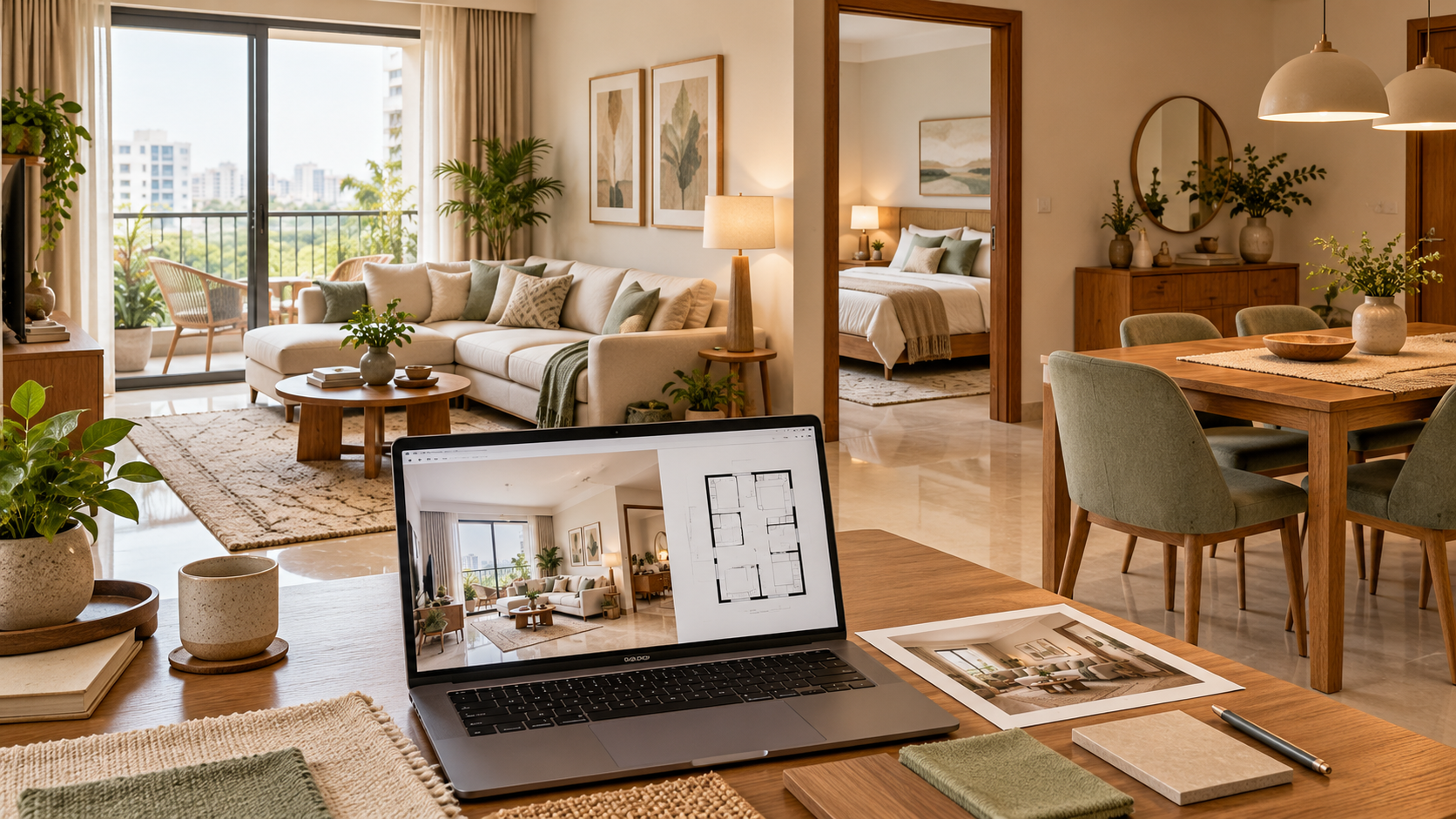
AI Home Design: Plan Your Home One Room at a Time
Planning a home involves many connected decisions. The living room needs comfortable seating, bedrooms need accessible storage, and the kitchen must work around everyday routines.
Choosing each element separately can make it difficult to picture how the finished home will come together.
AI home design can help you explore proposed interiors before committing to furniture and renovation. Start with one room, review the direction and develop the remaining spaces around a coordinated plan.
This guide explains what AI-assisted home planning can offer and what Houspire’s ₹499 starting price covers.
What Is AI Home Design?
AI home design uses artificial intelligence to help develop or visualise ideas for a home.
Depending on the service, the process may use:
- Room photographs
- Measurements
- Floor plans
- Written preferences
These inputs help explore furniture, finishes and colour schemes.
Some tools produce inspiration images. Other services combine technology with a designer’s review and personalised recommendations.
Before purchasing, check whether the output is a visual concept, a measured layout or a package that includes technical documentation.
Can You Design a Whole Home for ₹499?
Houspire’s ₹499 plus GST entry offering covers one selected room view, not an entire home.
Its pricing page lists a Single Room Trial at ₹499 plus GST and a Smart Home bundle at ₹4,999 plus GST.
| Starting option | Published price before GST | What to check |
|---|---|---|
| Single Room Trial | ₹499 | Selected room, view and supporting deliverables |
| Smart Home | ₹4,999 | Rooms, views and services included in your order |
The page describes prices as indicative. Confirm the rooms, views, add-ons and final payable amount before purchasing.
These are planning-service prices. Furniture, materials, labour and installation require a separate budget.
What Does One Room View Show?
A room view illustrates the proposed interior from one camera angle.
Houspire describes its standard room offering as one photorealistic 3D view covering a maximum of three walls. Its website also describes a process in which AI supports the work of a real interior designer.
One image can help you review:
- Furniture relationships
- Colours
- Finishes
- The proposed appearance
It does not show every side of the room or replace a complete set of execution drawings.
Choose the view according to the decisions you need to make.
How Should You Plan a Whole Home?
Start with household requirements and a complete spending limit. Resolve essential furniture placement before developing decorative details.
1. List Your Household Requirements
Identify who lives in the home and how each room will be used.
Consider:
- Work and study
- Entertaining
- Storage
- Accessibility needs
- Furniture you want to retain
- Rooms that must serve more than one purpose
Use these requirements to guide the plan for each space.
2. Set a Complete Spending Limit
Separate the design fee from the amount available for execution.
Clarify whether your budget includes:
- Furniture
- Appliances
- Curtains
- Lighting
- Delivery
- Repairs
- Labour
- Installation
This helps establish which features are essential and which can wait.
3. Plan Furniture Before Decorative Finishes
Resolve the positions of beds, sofas, wardrobes, desks and dining furniture first.
Check movement, door swings and storage access.
Develop wall treatments and decorative elements around an arrangement that works.
4. Coordinate the Rooms
Choose a consistent approach to recurring elements such as:
- Wood finishes
- Handles
- Flooring
- Colour undertones
Rooms do not need to look identical.
A shared visual direction can allow different functions and personalities without making the home feel disconnected.
What Should You Plan in Each Room?
Use the purpose of each room to identify the decisions that need attention early.
| Room | Decisions to resolve early |
|---|---|
| Living room | Seating, television position, circulation and everyday storage |
| Dining area | Table size, chair movement and crockery storage |
| Kitchen | Appliance locations, work surfaces, cabinet access and services |
| Master bedroom | Bed size, wardrobe access and dressing requirements |
| Kids’ or guest room | Sleeping, study, storage and changing needs |
| Home office | Desk position, equipment, lighting and cable access |
| Bathroom | Fixtures, usable clearances and specialist service requirements |
| Balcony or utility | Intended use, suitable furniture and access to existing services |
Record shared requirements too.
For example, a dining cabinet may reduce the storage needed in the kitchen.
What Inputs Make AI Home Design More Useful?
Provide a floor plan where available, along with clear photographs and accurate measurements.
Mark:
- Doors and windows
- Beams and columns
- Fixed service points
- Elements that must remain unchanged
Share a small set of style references and identify what you like about them.
A specific brief—such as warm wood, light walls and closed storage—is more useful than asking for a home to look “premium.”
Include dimensions and photographs of retained furniture so it can be considered from the beginning.
How Can You Check Whether the Design Is Practical?
Compare each proposal with the actual home before approving it.
Check Fixed Features and Proportions
Look for:
- Openings that have moved
- Walls that appear longer
- Furniture that seems smaller than its real dimensions
- Fixed features that have disappeared
Resolve differences before using the proposal for purchasing decisions.
Test Furniture in Use
Check whether:
- Chairs can be pulled out
- Wardrobes can open
- Drawers can extend
- Routes can be used comfortably
Review access to sockets, windows and equipment.
Confirm Technical Requirements
An attractive visualisation is a proposal to assess, not proof that every detail is ready to build.
Confirm measurements and relevant technical drawings before fabrication or installation.
Can You Execute Your Home Design in Stages?
Yes. You can plan the overall direction and prioritise the work.
Complete essential functions first, then add optional furniture and decorative details as the budget allows.
Agree on the Work Sequence
Discuss the sequence with your execution team.
Work involving concealed services or disruptive installation may need to happen before painting, cabinetry or other finished elements.
Record Approved Finishes
Keep a record of approved materials and finishes so later purchases can be coordinated.
Include the selections you want repeated across rooms.
What Is Separate from the Design Service?
Check the scope of your selected order rather than assuming it includes procurement or site management.
Physical execution, material supply and on-site supervision are outside Houspire’s standard design-only scope unless expressly agreed.
Its FAQ also states that labour is quoted separately from the material budget.
Obtain itemised contractor quotations before committing to the build.
Checklist Before Purchasing an AI Home Design Plan
Before choosing a package, confirm that you have:
- Listed the rooms you want designed.
- Explained how each room will be used.
- Identified furniture and fixed features to retain.
- Prepared photographs and measurements.
- Separated design fees from execution costs.
- Checked the number of rooms and views included.
- Confirmed supporting documents and revision allowances.
- Checked the applicable delivery conditions.
- Identified technical information your contractor will need.
- Reviewed the final checkout scope and payable amount.
Choose the package according to the decisions and documentation you need.
Start Planning Your Home with Houspire
AI home design can help you explore a coordinated direction before making larger purchases.
Start with one room if you want to assess the service, or choose a suitable full-home package once the required rooms and deliverables are clear.
Explore Houspire’s design plans to start planning your home from ₹499 plus GST for one room view.
Frequently Asked Questions
Does ₹499 cover my entire home?
No. Houspire’s entry offering covers one selected room view. Full-home planning has separate package pricing.
Can I start with one room and plan the others later?
Yes. Keep a record of the agreed style, materials and colours to help coordinate later rooms.
Is AI home design the same as architectural planning?
No. Interior visualisation does not replace architectural, structural or specialist service drawings.
Do I need a floor plan?
A floor plan is useful. Clear room photographs and accurate measurements can also help establish the brief, depending on the service requirements.
Can I use my own contractor?
Check the provider’s terms. With a design-only arrangement, you can appoint an execution team and confirm the documentation they need before work begins.
Does the design fee include furniture and labour?
No. Furniture, materials, labour and installation require a separate execution budget. Check the scope of your selected order for exact inclusions.
Does one room view show every wall?
No. Houspire describes its standard room view as one image from a selected angle, covering a maximum of three walls.